WordPress Custom Post Types (And Why Bloggers Actually Need Them)
If you’ve been blogging for a little while, you’ve probably noticed that WordPress gives you two main content buckets: posts and pages.
Posts are your blog content.
Pages are things like your About or Contact page. Simple enough, right?
But what happens when you want to add something that doesn’t really fit either category?
Say you want to sell a course directly on your blog. Or show off a portfolio of your work. Or run a membership with its own content library. Or even organize your podcast episodes. Suddenly, cramming everything into “posts” starts to feel messy, for you and for your readers.
That’s where custom post types come in.
What is a Custom Post Type?
A custom post type is basically a new content category you create in WordPress.
Instead of everything living under “Posts,” you can create a separate section, like “Courses” or “Portfolio” or “Members Only,” that has its own space in your dashboard and its own URL structure on your site.
It keeps things organized on the backend, and it makes your site easier to navigate on the frontend too.
A Few Ways To Use This
This isn’t just a developer thing or feature.
Here are some real use cases that make sense for bloggers or website owners with this category:
- Courses: If you want to host a course on your own site instead of paying for a third-party platform, a custom post type lets you keep all your lessons organized in one place, separate from your regular blog posts.
- Portfolio: If you offer services or want to showcase your work, a portfolio post type keeps those pieces clean and easy to browse without mixing them into your blog feed.
- Membership content: Running a members-only section? A custom post type lets you organize that content separately and pair it with a membership plugin.
- Podcast episodes: If you’ve layered a podcast onto your blog, a custom post type keeps episodes organized with their own space for show notes, audio files, and episode numbers, totally separate from your regular posts.
- Resources or tools pages: Instead of a static page, you could have a “Resources” post type where each tool or resource is its own entry, making it easy to update and display dynamically.
- Testimonials or case studies: Instead of burying these in pages or posts, you can pull them into their own type and display them anywhere on your site.
How to Create One (Without Touching Any Code)
You don’t need to know how to code to set this up which is my favorite thing about WordPress!
There’s a free plugin called Custom Post Type UI that handles everything through a simple interface.
Here’s how to get it going:
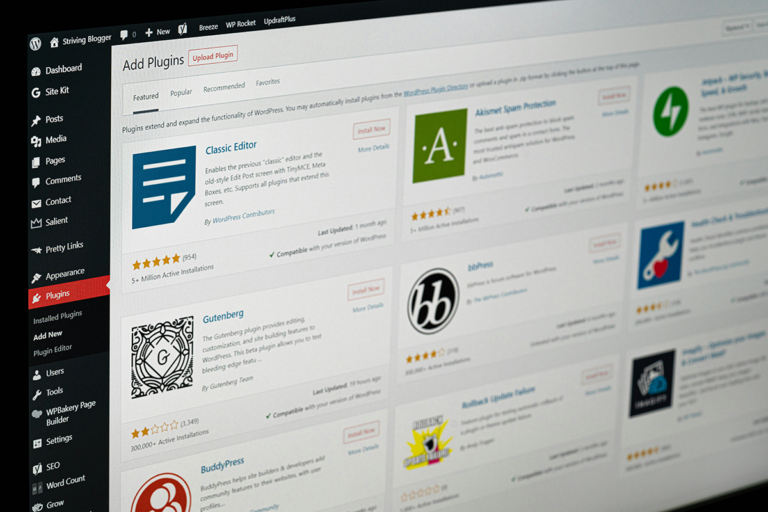
- In your WordPress dashboard, go to Plugins > Add New
- Search for Custom Post Type UI and install it
- Once it’s active, you’ll see a new CPT UI menu in your sidebar
- Go to CPT UI > Add/Edit Post Types
- Give your post type a slug (something short like “courses” or “podcast-episodes”)
- Add singular and plural labels: these are what show up in your dashboard
- Adjust your settings (whether it’s public, whether it has an archive page, etc.)
- Hit Add Post Type and you’re done!
You can go back and edit it anytime from that same menu.
A Good WordPress Trick
You might not need custom post types on day one of your blog, and that’s completely fine. But the moment you start thinking bigger, a course, a podcast, a portfolio, a membership, this is the kind of WordPress feature you’ll be really glad you knew about.
It’s one of those things that feels intimidating until you actually do it, and then you wonder why you waited.
Now I want to hear from you: would you use custom post types on your blog? And if so, what would you use them for?
Drop it in the comments, I’m curious how you’re thinking about growing your site beyond just blog posts.